All android versions earlier than Android 4.0 aka Ice Cream Sandwich didn’t have the inbuilt facility to take a screen shot from the device directly. There are some moments when we need to a screen shots. This is common among tech writers. So how to take a screen shot when this facility is not there?
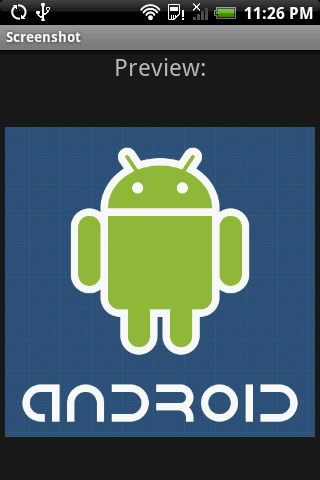
Some OEM’s like Samsung introduced their own mod to take a screen shot on gingerbread os by pressing the home key and the power button ( now we can understand why Apple sued them :p ) but for the rest we need to use the android sdk.
- Download the latest android-sdk for the platform you are working from developer.android.com
- Look into the folder of android-sdk into tools for ddms. DDMS is dalvik debug monitor.
- Execute the ddms application.
- Connect the device to the PC. ( Yes this the most irritating step )
- On the top menu bar drop down device and select screen capture.
And then we can finally take a screen shot of our android device.
But this is not the case with ICS or for Jelly bean. Starting with ICS, the inbuilt screen shot capability have been implemented by just pressing volume down and power key simultanously.
So now we don’t have to wait to reach home while on a move for just a screen shot.
Any queries? Use the area below.